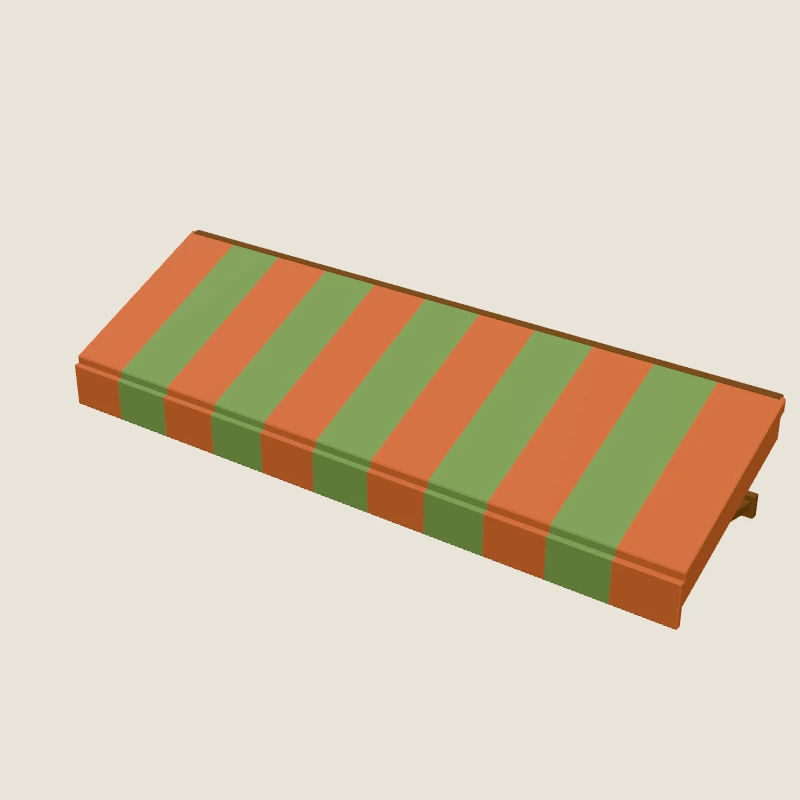
Awning part
Striped awning part with an awning-plug connector; mounts above a shop or cafe front.
Placed as is: this asset has no customization options. Requests to change it are refused.
- Size (W × H × D)
- 3.46 × 0.67 × 0.98 m
- Triangles
- 372
- GLB
- 44 KB
Part of the Stylized Town kit
npx agent-ready-assets add stylized-town/awning-01@0.1.0 --to public/assetsRenders from 6 views
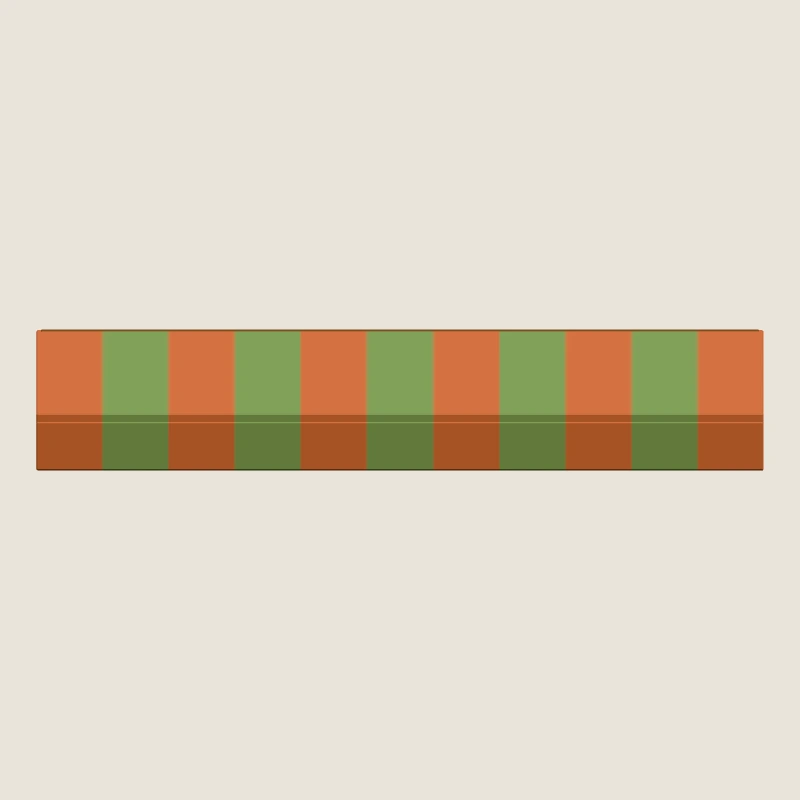
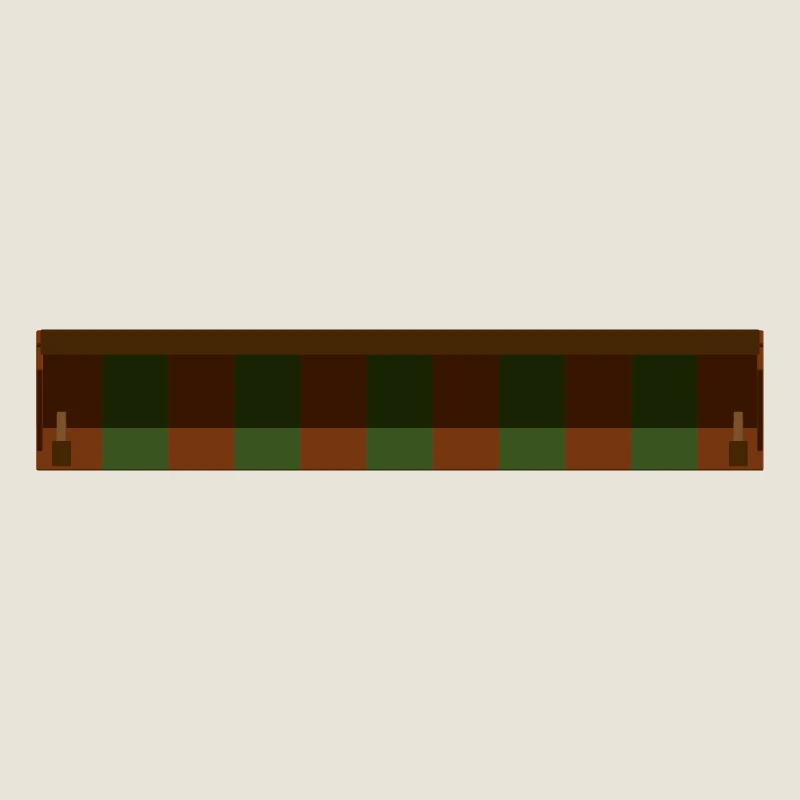
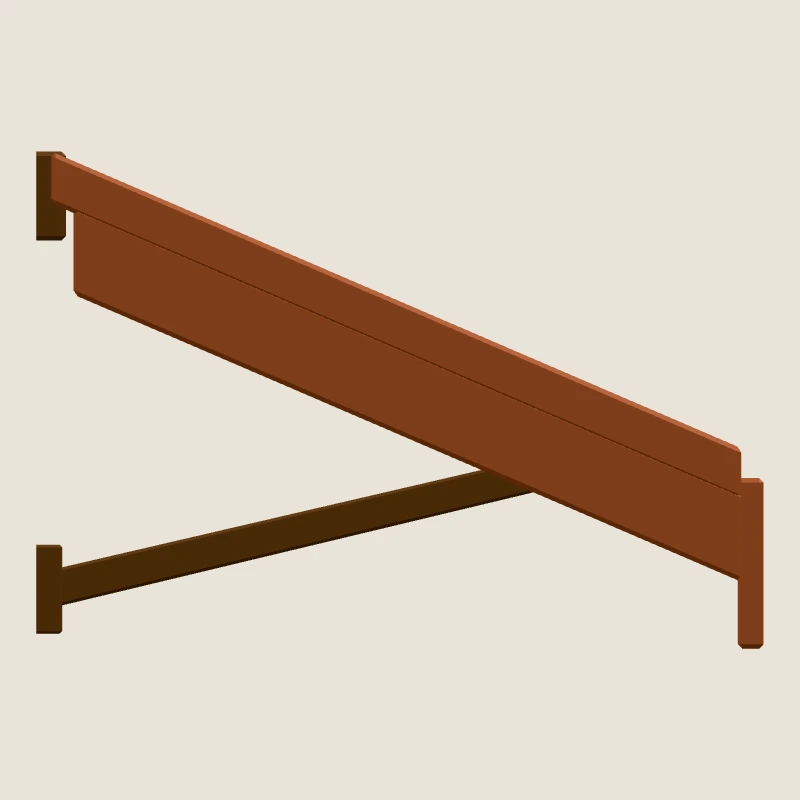
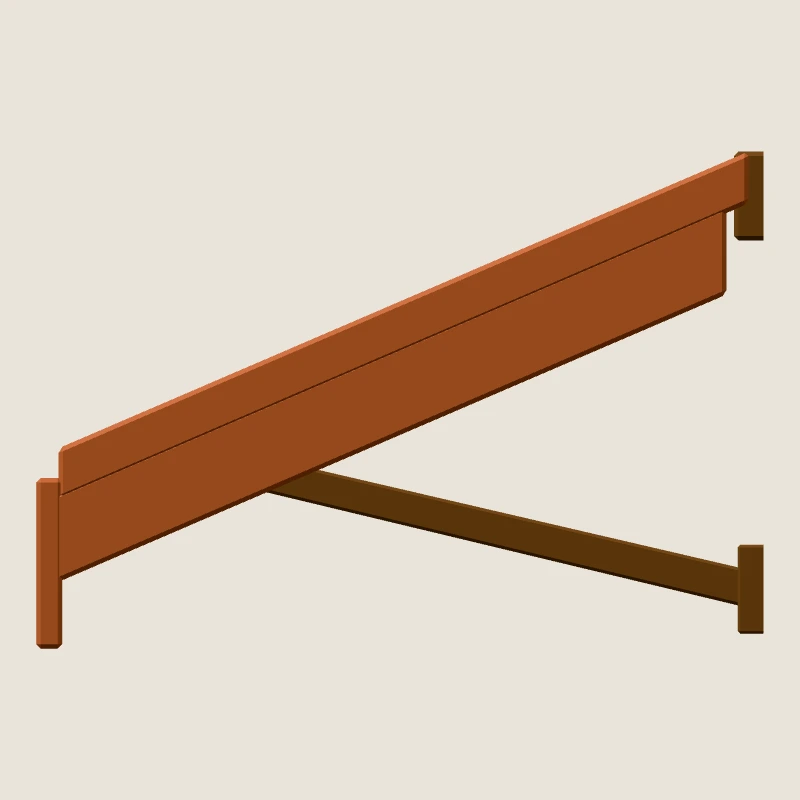
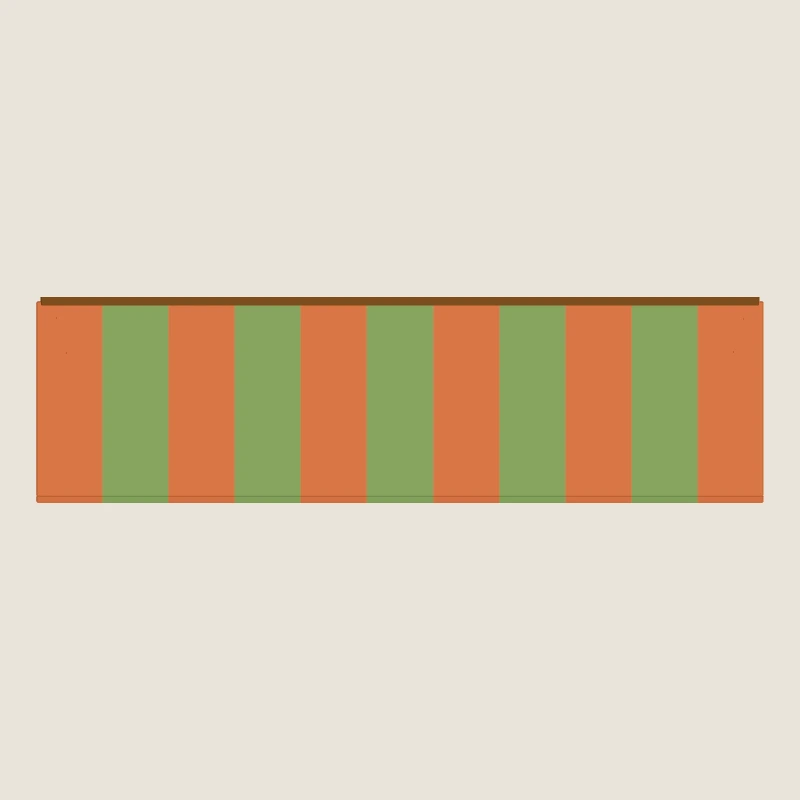
No customization options
Load and place it as is. Every customization request is refused with a structured error that names the alternatives.
Details
Specifications372 triangles · 44 KB
- Dimensions (W × H × D)
- 3.46 × 0.67 × 0.98 m
- Triangles
- 372
- Materials / textures
- 2 / 1
- GLB file
- 44 KB
- Package download
- 67 KB
- Animation clips
- None
- Engines
- Three.js, React Three Fiber
- Tested with
- three 0.186.1; no decoders
- In the tested scenes
- Not used
Connectors1 connector
In a scene, a connector of this asset snaps to a compatible connector of another piece, so pieces are placed without coordinates.
| Connector | Type | Snaps to |
|---|---|---|
anchor-plug | awning-plug | awning-socket |
Compatibility2 of 10 supported
| Feature | Status | Detail |
|---|---|---|
| Placement (position / rotation in a scene) | Supported | scene.json position_m (meters) and rotation_euler_rad (XYZ radians); free scene scaling is not supported |
| Connector snapping (scene 1.1.0 attach_to) | Supported | typed connectors: anchor-plug (awning-plug -> awning-socket); mates within 1 mm, opposed outward, aligned up |
| Material recolor (runtime, Blender-free) | Not supported | no material-color capability is advertised for this version |
| Uniform scale (runtime, Blender-free) | Not supported | no uniform-scale capability; scene uniform_scale must stay 1 |
| Node visibility toggles | Not supported | no node-visibility capability is advertised for this version |
| Modular part swap | Not supported | no modular-swap capability is advertised for this version |
| Animations | Not supported | static asset: no animation clips |
| Custom mesh editing / parametric geometry (e.g. slat count) | Advanced only | L4 authoring in Blender or another DCC; not possible with the SDK. declared.recipe_parameters are publisher-only knobs. |
| Baked texture recolor | Not supported | texture pixels are never edited by the SDK |
| GLB re-export of a customized asset | Not supported | customization is a declarative JSON config applied at runtime; no modified GLB is written |
Integration codeThree.js and React Three Fiber
The entry file your agent writes, generated from the catalog. Run the commands inside your project, where the SDK is installed.
Three.js
// stylized-town/awning-01@0.1.0 in a plain Three.js scene
// Generated by the Agent-Ready Assets integration guide (target: plain Three.js, SDK 0.5.1, tested with three 0.186.1).
// The files are served from this project's own public/ folder (installed with `npx agent-ready-assets ...`):
// no CDN at runtime, no decoders, no Blender.
import * as THREE from 'three';
import { AssetLibrary, isCustomizationError } from '@agent-ready-assets/runtime-three';

const KIT_URL = '/assets/stylized-town/kit.json';
const ASSET = 'stylized-town/awning-01@0.1.0';

const renderer = new THREE.WebGLRenderer({ antialias: true, preserveDrawingBuffer: true });
renderer.setPixelRatio(Math.min(window.devicePixelRatio, 2));
renderer.setSize(window.innerWidth, window.innerHeight);
renderer.outputColorSpace = THREE.SRGBColorSpace;
document.body.style.margin = '0';
document.body.appendChild(renderer.domElement);

const scene = new THREE.Scene();
scene.background = new THREE.Color('#e9e4da');
scene.add(new THREE.HemisphereLight(0xffffff, 0x8d7c64, 1.4));
const sun = new THREE.DirectionalLight(0xffffff, 2.0);
sun.position.set(4, 8, 5);
scene.add(sun);
const camera = new THREE.PerspectiveCamera(40, window.innerWidth / window.innerHeight, 0.05, 400);

/** Points the camera at everything that was loaded (3/4 view). */
function frame(target: THREE.Object3D): void {
  const box = new THREE.Box3().setFromObject(target);
  const center = box.getCenter(new THREE.Vector3());
  const radius = Math.max(box.getSize(new THREE.Vector3()).length() / 2, 0.5);
  const dist = radius / Math.sin(THREE.MathUtils.degToRad(camera.fov / 2));
  camera.position.copy(center).add(new THREE.Vector3(0.55, 0.5, 1).normalize().multiplyScalar(dist * 0.95));
  camera.lookAt(center);
  camera.updateProjectionMatrix();
}

window.addEventListener('resize', () => {
  camera.aspect = window.innerWidth / window.innerHeight;
  camera.updateProjectionMatrix();
  renderer.setSize(window.innerWidth, window.innerHeight);
  renderer.render(scene, camera);
});

async function main(): Promise<void> {
  const library = await AssetLibrary.fromKit(KIT_URL); // verifies every file against the sha256 pins first
  const original = await library.loadAsset(ASSET);
  scene.add(original.object);
  // stylized-town/awning-01@0.1.0 is L1 (load as-is): it advertises no customization capabilities, so any customize request is refused.
  frame(scene);
  renderer.render(scene, camera);
  renderer.domElement.dataset.ready = 'true'; // handy for tests: the scene finished loading
}

main().catch((error: unknown) => {
  // Unsupported or invalid customizations are refused with a structured error instead of being approximated.
  const message = isCustomizationError(error) ? `${error.code}: ${error.message}` : String(error);
  renderer.domElement.dataset.error = message;
  console.error(message);
});
React Three Fiber
// stylized-town/awning-01@0.1.0 with React Three Fiber
// Generated by the Agent-Ready Assets integration guide (target: React Three Fiber, SDK 0.5.1, tested with three 0.186.1).
// Assets are served from this project's own public/ folder; no CDN, no Blender.
import { StrictMode, useEffect, useState } from 'react';
import { createRoot } from 'react-dom/client';
import { Canvas } from '@react-three/fiber';
import { Asset, AssetLibraryProvider } from '@agent-ready-assets/runtime-r3f';
import { AssetLibrary } from '@agent-ready-assets/runtime-three';

const KIT_URL = '/assets/stylized-town/kit.json';
const ASSET = 'stylized-town/awning-01@0.1.0';

/** Marks the canvas once every <Asset> reported onReady (handy for tests). */
function useReadyFlag(expected: number): () => void {
  const [count, setCount] = useState(0);
  useEffect(() => {
    if (count >= expected) document.querySelector('canvas')?.setAttribute('data-ready', 'true');
  }, [count, expected]);
  return () => setCount((n) => n + 1);
}

function App({ library }: { library: AssetLibrary }) {
  const onReady = useReadyFlag(1);
  return (
    <Canvas camera={{ position: [4.5, 3.11, 6.57], fov: 40 }} gl={{ preserveDrawingBuffer: true }}>
      <color attach="background" args={['#e9e4da']} />
      <hemisphereLight args={[0xffffff, 0x8d7c64, 1.4]} />
      <directionalLight position={[4, 8, 5]} intensity={2} />
      <AssetLibraryProvider library={library}>
        <Asset assetId={ASSET} position={[-2.23, 0, 0]} onReady={onReady} onError={(e) => console.error(e)} />
      </AssetLibraryProvider>
    </Canvas>
  );
}

AssetLibrary.fromKit(KIT_URL).then(
  (library) => createRoot(document.getElementById('root')!).render(<StrictMode><App library={library} /></StrictMode>),
  (error: unknown) => console.error(error),
);
Quality reportAutomated checks passed
Every automated check that applies passed on this exact file, including glTF validity, scale and pivots, materials and a Three.js render in Chromium. The asset was released after review.
These are the publisher's own automated checks, not an independent certification.
Read the full report