Demo
Building customizer
Swap a door, a window style or a roof, hide optional parts and pick wall colours. The controls offer only what each asset declares; anything else is switched off with the reason.
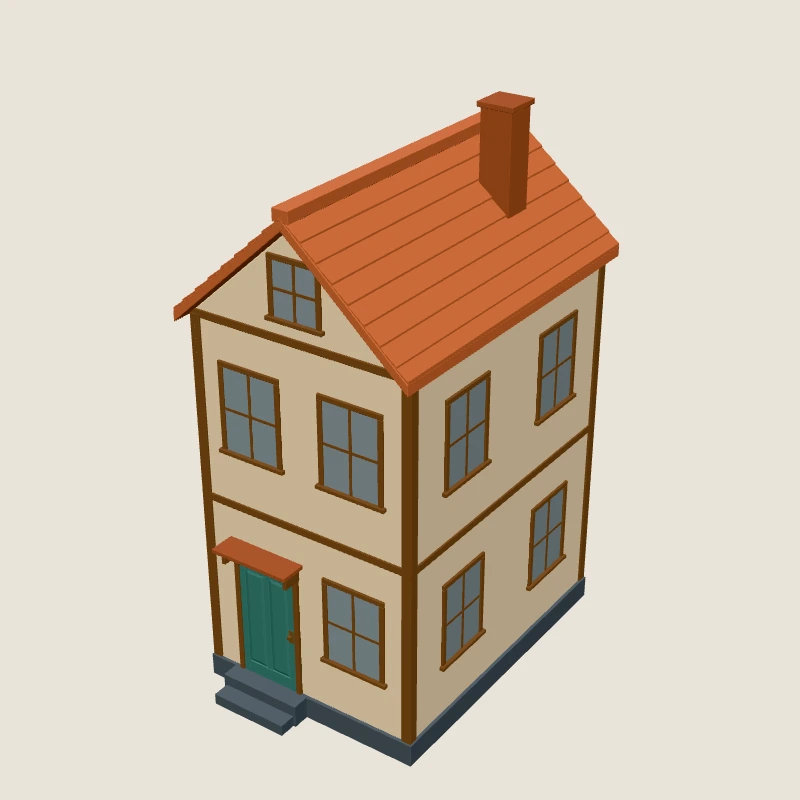
What can change
8 assets of the kit can be customized without Blender. The demo calls library.instantiate(ref, values), and each instance keeps its own changes.
| Asset | Options |
|---|---|
| Town house with swappable parts | front-doorwindow-styleroofchimneywall-colorroof-color |
| Cottage with swappable parts | front-doorwindow-styleroofwall-colorroof-color |
| Cafe with terrace | front-doorawningterracewall-color |
| Park bench | wood-colorsize-scalearmrests |
| Corner shop with swappable parts | front-doorawningwall-color |
| Town hall (landmark) | flagwall-color |
| Market stall | canopy-color |
| Street lamp | light |
Before and after
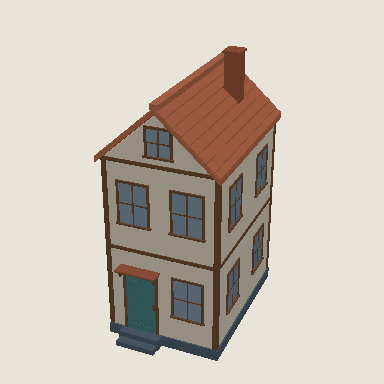
Renders of Town house with swappable parts from the automated checks, with the default parts and with one tested combination.
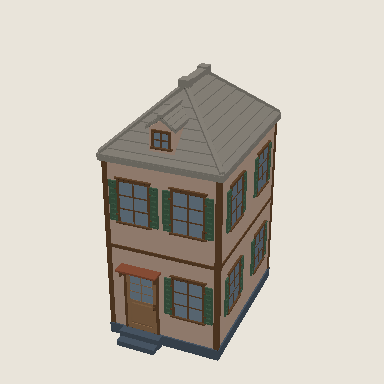
{"front-door":"door-02","window-style":"window-02","roof":"roof-hip-01","chimney":false,"wall-color":"paving","roof-color":"curb-stone"}What the SDK refuseswith a structured error
- A part that a slot does not list:
INCOMPATIBLE_PART/PART_NOT_ALLOWED. - A free colour where only palette swatches are declared:
INVALID_PARAMETER/NOT_IN_CHOICES. - Hiding a part that is not a declared toggle, and geometry changes such as an extra storey:
UNSUPPORTED_OPERATION/UNKNOWN_CAPABILITY.
Nothing is approximated. What to do instead.